Use AI to build, automate, and grow a real business
Hi, I'm Alfred. I've bootstrapped, automated, and exited businesses, and worked on emerging technology projects with organizations including Harvard.
I share the guides, prompts, and checklists I wish I'd had—free, in full. If you need hands-on help, I also consult, build automations, and make apps.
No emails yet. Your address stays private.
The library
Free checklists, step-by-step guides, and prompts you can copy and paste.
Claude Video Reel Editor
A free Claude Code skill that turns your raw talking-head takes into a finished reel.
Starter Sound Kit
26 free sound effects for your videos, named so Claude picks the right one.
Build Your Own Kindle Brain
Search every Kindle highlight by topic, privately on your Mac.
5 Instagram Research Prompts for Muse
Five ways to put Muse to work on Instagram.
10 Design Directions You Can Steal
From the video: all 10 styles with a prompt for each, plus 10 more.
The Claude Watermark Fix
Keep the watermark out of your public copy.
3 Things To Make Your App Feel Fast
Three prompts to paste into Claude Code.
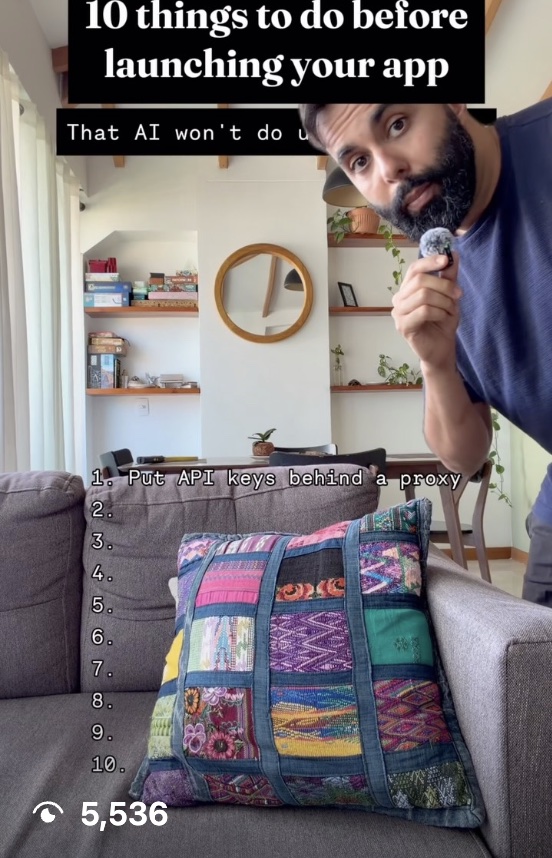
10 Things To Do Before Launching Your App
The stuff AI won't do for you.
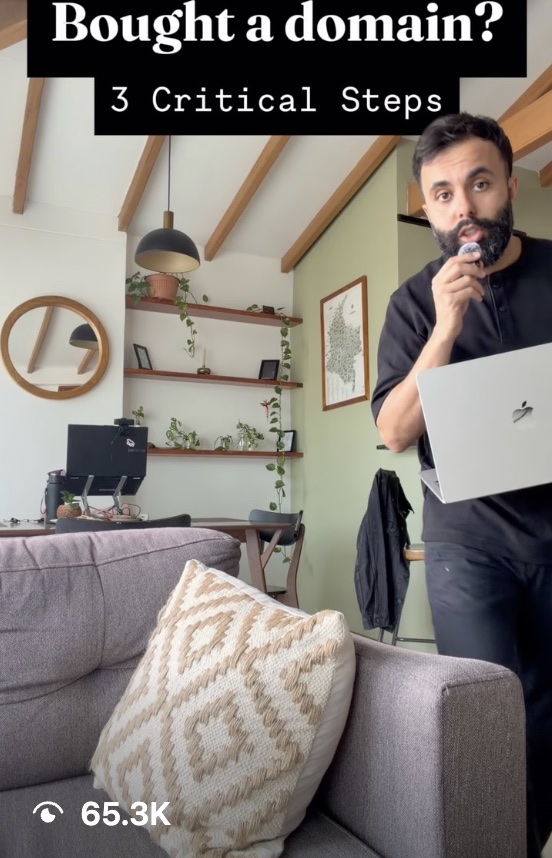
3 Things To Do After You Buy Your Domain
From the video: the 3 critical steps.
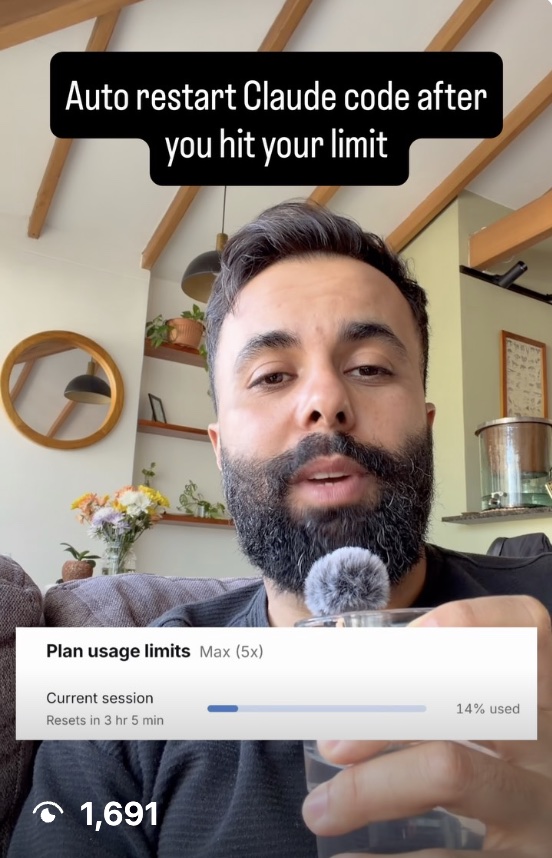
Auto-Resume Claude After a Usage Limit
Claude picks itself back up when you hit the cap.
Pets Mac App Prompts
The prompts behind the pet app.
JARVIS Setup Guide
Set up your own JARVIS.
Using Fable 5: Effort Levels & Keeping Costs Low
Get more out of the model for less.
2 Documents Before You Build — Starter Prompt
Copy, paste, answer the questions.
Pop a Graphic Out of a Phone — Video Prompt
The video effect, as a prompt.
Don't Get Hacked: Security Checklist
Lock down the obvious holes first.
Don't Get Sued: App Pre-Launch Checklist
Cover the legal basics before you ship.
Start From Open Source
Don't start from zero when half of it is already built.
Most guides start as a video. Watch them on @alfred.makes.
Work with me
Choose where you need a hand.
Consulting
Bring the thing that's stuck.
We'll look at what's stuck, your tools, and your workflow—then find the simplest useful next step.
One focused session. No retainer.
Automations
I build AI automations around the tools you already use, then hand over something you and your team can actually run.
Scoped one workflow at a time.
Apps
For bigger software projects, I build through Big Push Studio, my app studio.
From a rough idea to something people can use.
Strategy → design → build → launch
Get in touch
Tell me what you're working on and where you're stuck. A few lines is plenty.
- 1Tell me what's stuckSend the short version: the project, the problem, and what you've tried.
- 2I'll read itIf I can help, I'll suggest the clearest way to work together.
- 3We'll take it from thereUsually that means a short call. If I'm not the right fit, I'll tell you.